




Why Your Electric Tricycle/Golf Cart Loses Range? How BMS Saves Battery Life
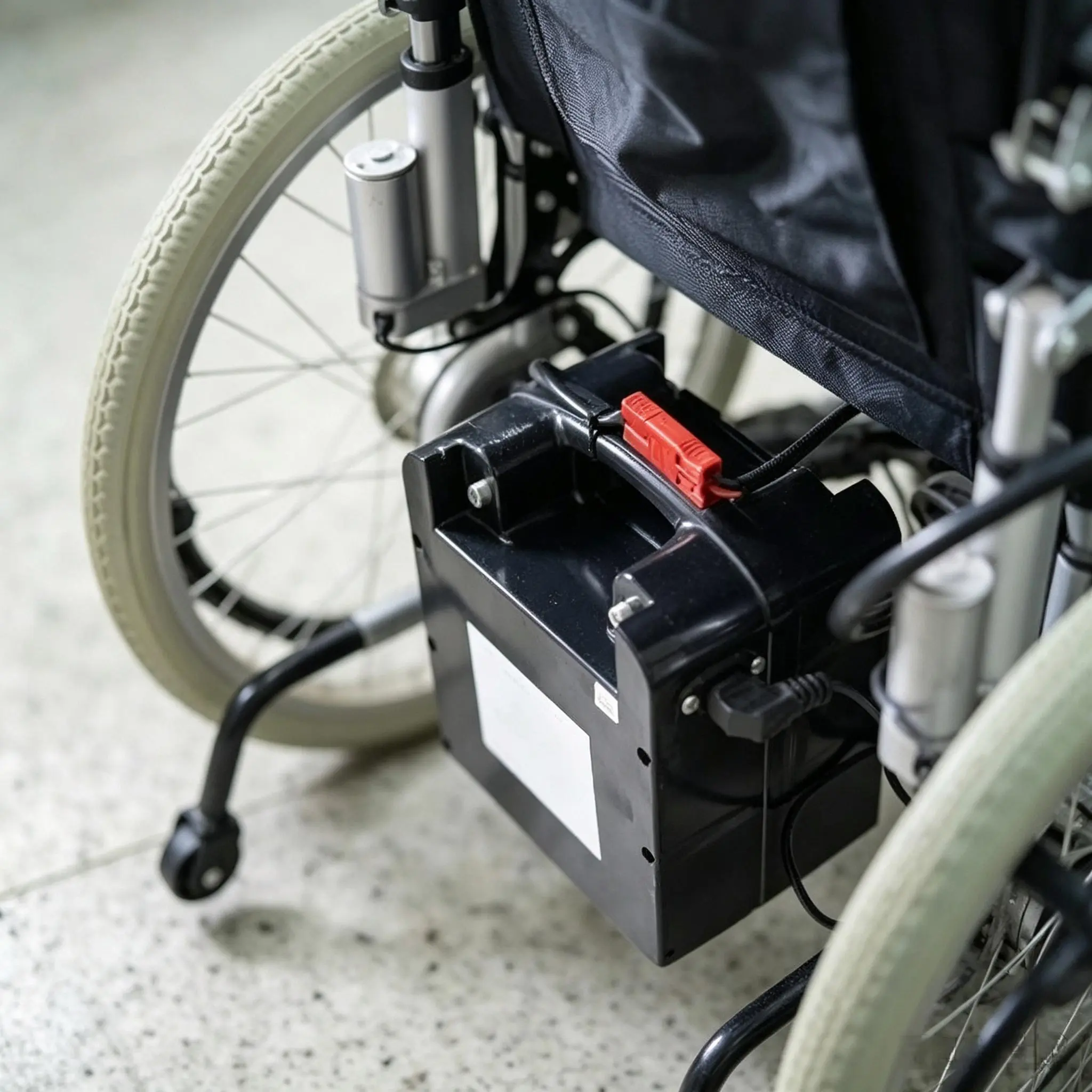
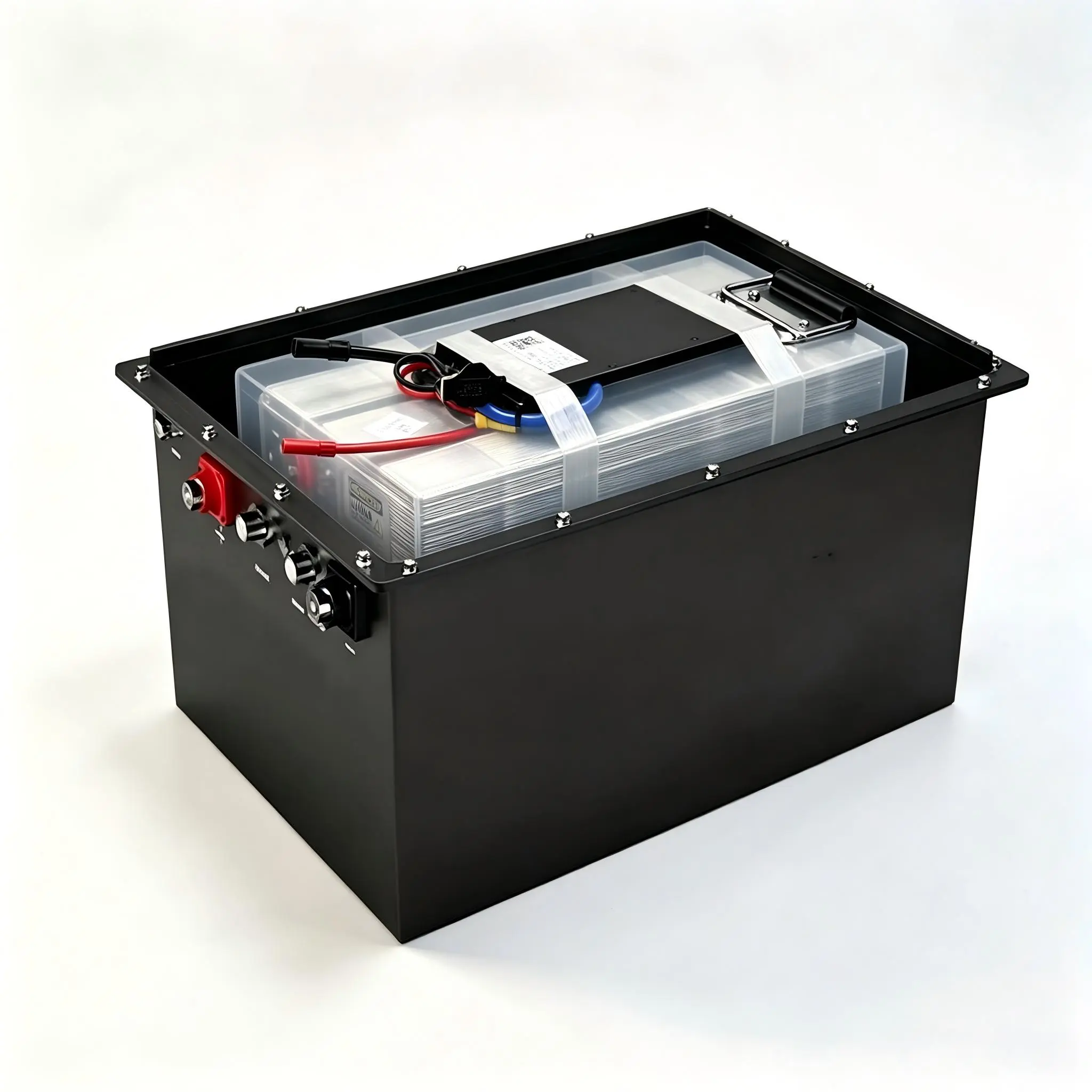
If you own an electric tricycle, golf cart, or other devices powered by 1S-24S lithium batteries, you’ve probably noticed a frustrating trend: over time, the battery range starts to drop. For example, a4S 100Ah ternary lithium battery powering a small electric tricycle might initially deliver 40-70km of range, but after a year of use, that figure often shrinks to 30-50km. You might wonder: Is the battery “wearing out” irreversibly? Or is there a way to reclaim some of that lost range?
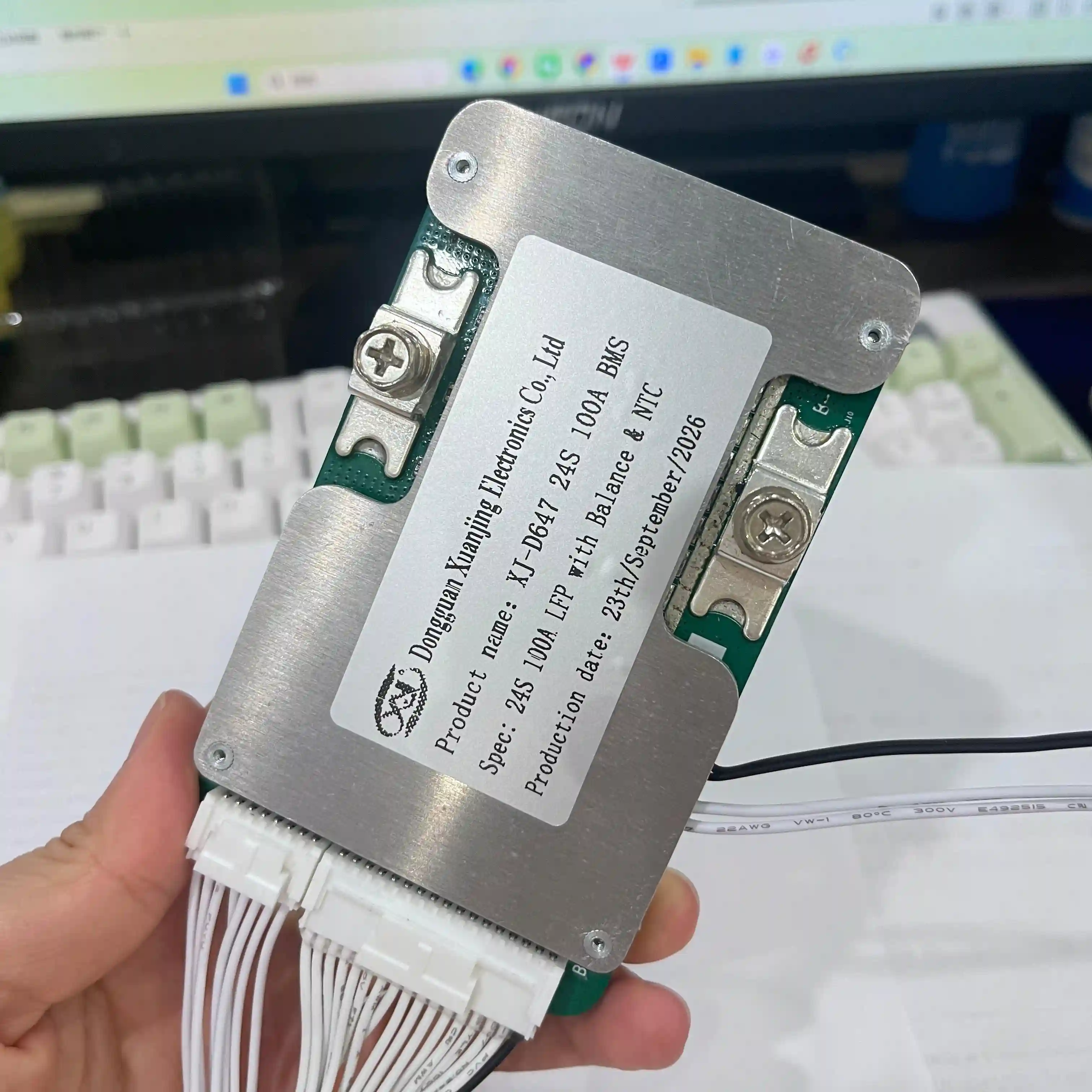
The good news is that while battery cell degradation is inevitable, much of the range loss isn’t purely due to worn-out cells. Your battery’s Battery Management System (BMS)—commonly known as a “protection board”—plays a critical role in preserving range. Unlike popular misconceptions, a BMS can’t “repair” degraded cells to their original capacity. However, it can optimize battery performance to reduce range loss by 5%-20%, helping you get the most out of your lithium battery for longer.
First: Why Does Battery Range Drop Over Time?
Before diving into how BMS helps, let’s break down the two main culprits behind shrinking range—one you can’t reverse, and one you can optimize:
1. Irreversible Cell Degradation
Lithium batteries (whether ternary, LFP, or sodium-ion) naturally lose capacity over time. Factors like charge-discharge cycles, extreme temperatures, and frequent deep discharges all contribute to this. For example, after 300-500 cycles, a lithium battery’s capacity may drop to 80%-90% of its original value. This is a normal physical process—no BMS can undo it.
2. Fixable BMS & Cell Consistency Issues
The bigger “hidden culprit” for range loss is cell inconsistency and BMS calibration drift—and this is where your BMS shines. Here’s how it happens:
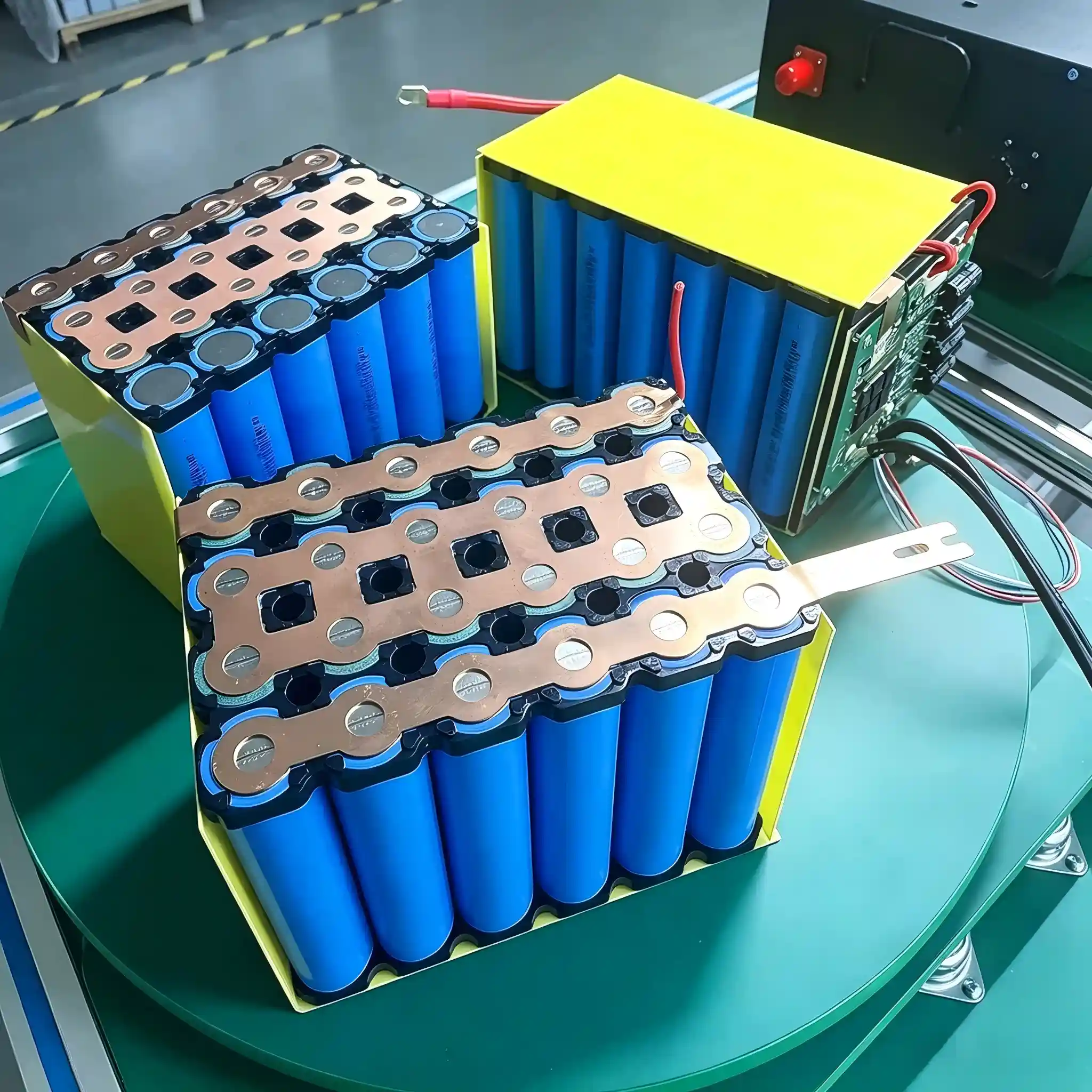
Cell inconsistency: Even if all cells are identical when new, they’ll degrade at slightly different rates. After months of use, some cells may hold 90Ah while others drop to 70Ah. Your BMS protects the weakest cell: when discharging, it cuts power as soon as the lowest-voltage cell hits the over-discharge threshold—leaving “unused power” in stronger cells and making the battery feel “less capacious.”
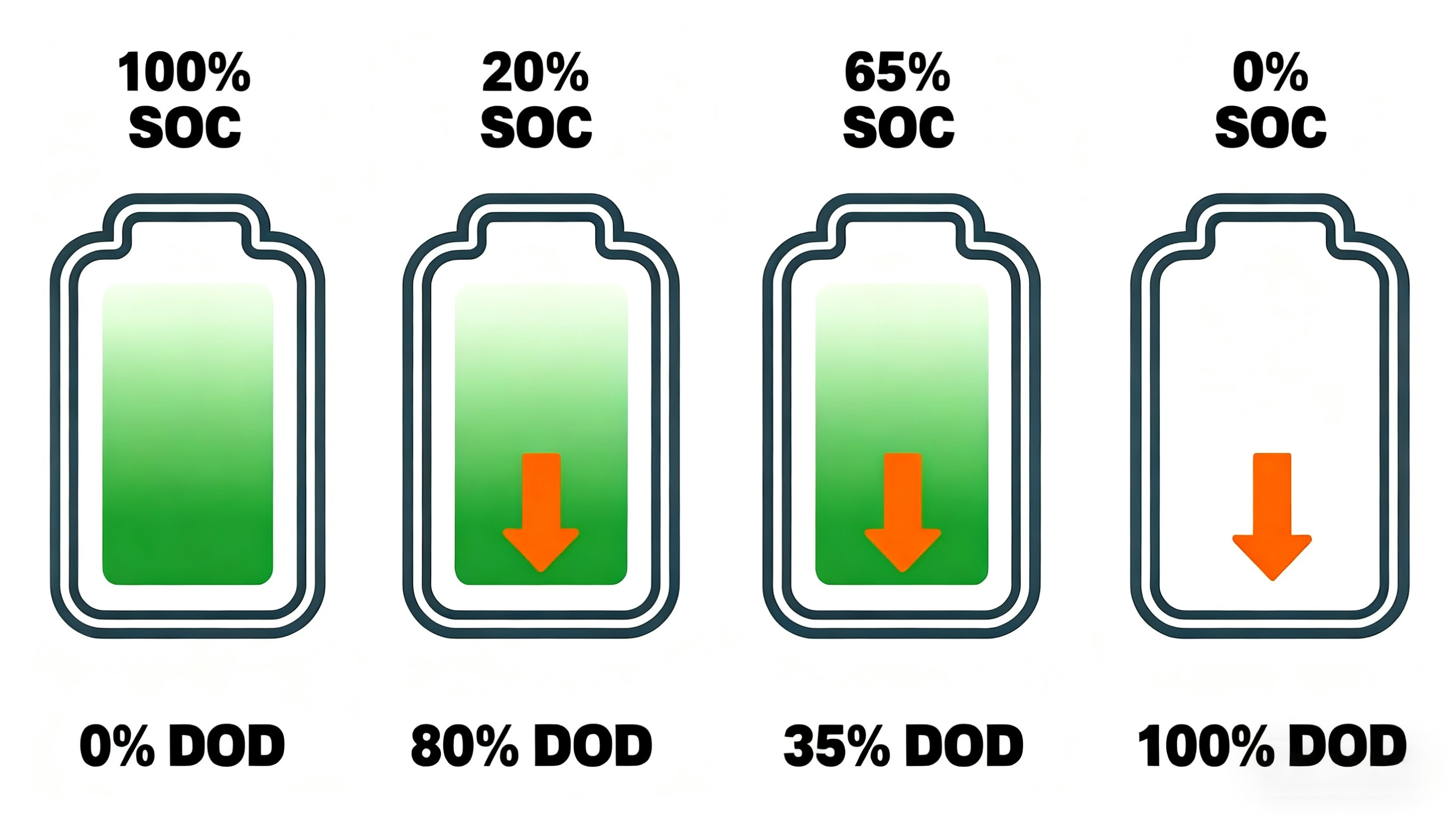
BMS calibration drift: As the BMS monitors voltage, current, and temperature over time, its State of Charge (SOC) calculations can drift. For example, the BMS might think the battery is at 10% capacity when it’s actually at 20%, cutting power early and causing “false range loss.” This is similar to what happens in electric vehicles, where frequent short trips or keeping the battery at a mid-range SOC (e.g., 70%) prevents the BMS from learning the full charge/discharge spectrum.
How Your BMS Positively Impacts Range
A quality BMS (like those for 1S-24S lithium batteries in electric tricycles, golf carts, or portable energy storage) does more than just protect against overcharge/over-discharge. Its core range-preserving functions include:
1. Cell Balancing: Eliminate “Wasted Power”
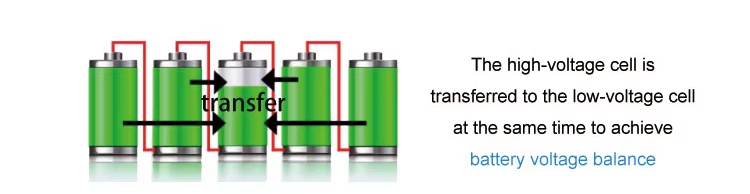
Most modern BMS (active or passive) include balancing functions. When charging, the BMS transfers excess power from higher-voltage cells to lower-voltage ones, ensuring all cells reach full charge simultaneously. This prevents weaker cells from being undercharged or overcharged, and ensures you can use the full capacity of the battery pack. For example, if cell inconsistency was causing a 10km range loss, balancing can often recover 5-8km of that.
2. SOC Calibration: Fix “False Range”
The BMS calculates how much charge is left (SOC) based on cell voltage and usage data. When calibration drifts, it misjudges the battery’s true capacity. By resetting the BMS calibration, you help it “relearn” the battery’s full charge and discharge limits—eliminating cases where the battery shuts down early even when there’s remaining power.
3. Optimal Protection Parameters: Avoid Over-Protection
A well-tuned BMS uses precise protection thresholds (e.g., 3.0V per cell for ternary lithium over-discharge protection). If the BMS is set to overly strict limits (e.g., 3.3V per cell), it will cut power too early, shortening range. The BMS ensures protection without sacrificing usable capacity.
Step-by-Step: Use Your BMS to Reduce Range Loss
You don’t need professional tools to optimize your BMS—follow these simple steps to maximize range:
1. Calibrate BMS SOC (Fix False Range)
This process retrains the BMS to recognize the battery’s true charge limits, similar to Ev Bms reset procedures but adapted for small lithium devices:
- Step 1: Discharge to a low SOC: Ride your electric tricycle/golf cart until the battery drops to 10% or below (single-digit SOC is ideal). This lets the BMS learn the discharge limit.
- Step 2: Let the battery stabilize: Turn off the device and let it sit for 1-2 hours. This allows cell voltages to equalize, ensuring accurate BMS readings.
- Step 3: Charge fully: Use a matching charger to charge the battery to 100%. Keep charging for an extra 1-2 hours after the charger turns green (float charge) to ensure all cells are fully balanced.
- Result: The BMS will reset its SOC calculation, eliminating false range loss. For best results, repeat this cycle 1-2 times if range doesn’t improve immediately.
2. Activate BMS Balancing (Fix Cell Inconsistency)
Most BMS automatically balance cells during charging (especially in the final stage of charging). To boost effectiveness:
- Charge the battery to 100% and keep the charger connected for 2-8 hours (some BMS have a “forced balance” mode via app or 485 interface—enable this if available).
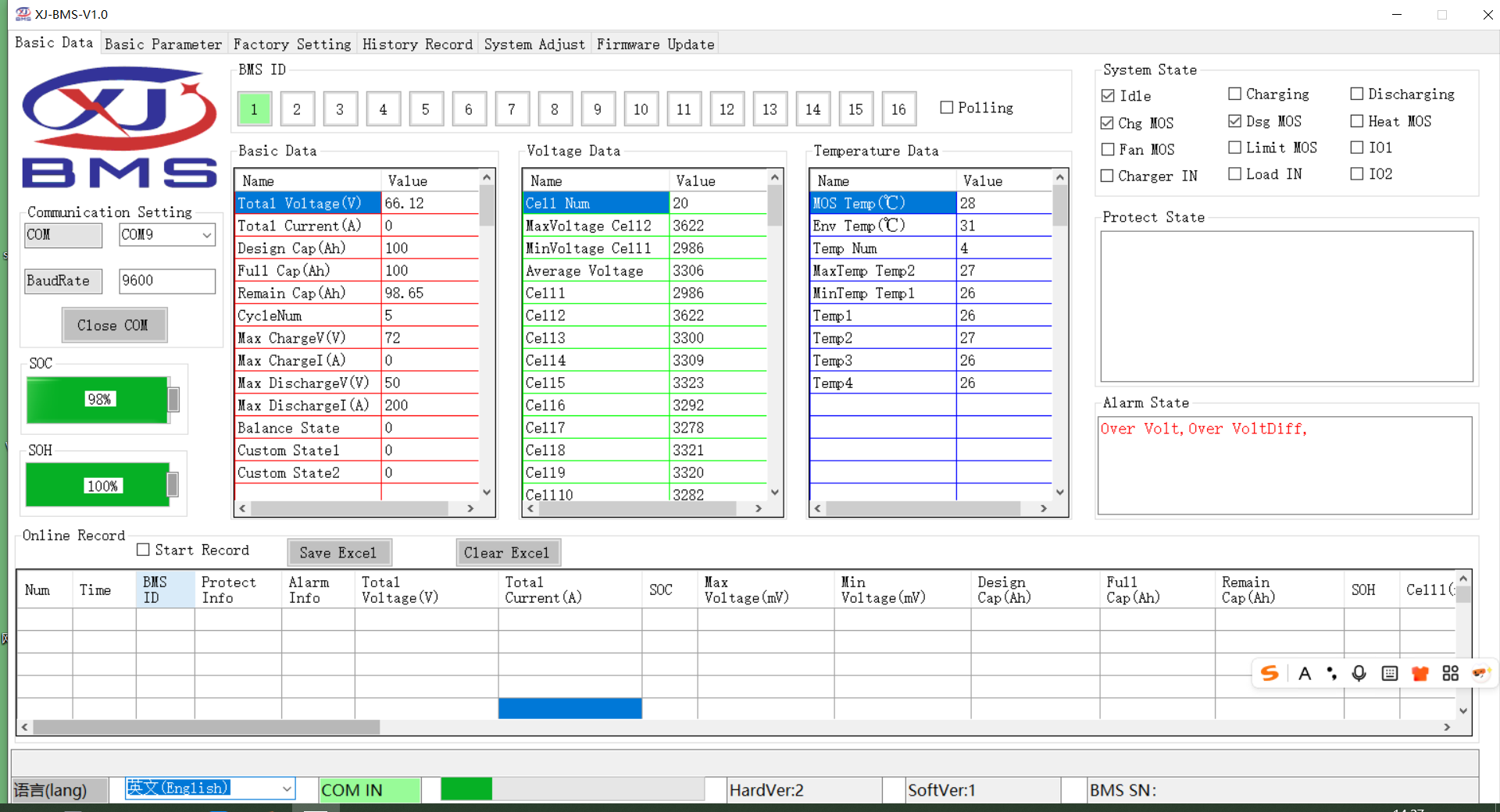
- Check cell voltages (via BMS app or tester) after balancing: ideal voltage difference between cells is ≤0.02V.
- Result: Balanced cells ensure you use the full pack capacity, reducing range loss caused by uneven degradation.
3. Verify BMS Protection Parameters (Avoid Over-Protection)
Ensure your BMS isn’t set to overly strict limits (consult your BMS manual for standard values):
- Ternary lithium batteries: Over-discharge protection ≈3.0V/cell, overcharge protection ≈4.2V/cell.
- LFP batteries: Over-discharge protection ≈2.5V/cell, overcharge protection ≈3.65V/cell.
- Adjust parameters via BMS software to match these standards—this prevents premature power cuts.
Key Reminder: When to Replace Cells
If you’ve optimized the BMS and range is still 30% lower than new, it’s likely due to severe cell degradation (e.g., some cells have less than 70% of original capacity). In this case:
- Test each cell’s capacity with a cell tester.
- Replace cells that are significantly degraded with matching new cells (same brand, capacity, and voltage).
- Re-calibrate and balance the BMS after replacement—this will restore most of the original range.
Final Thoughts
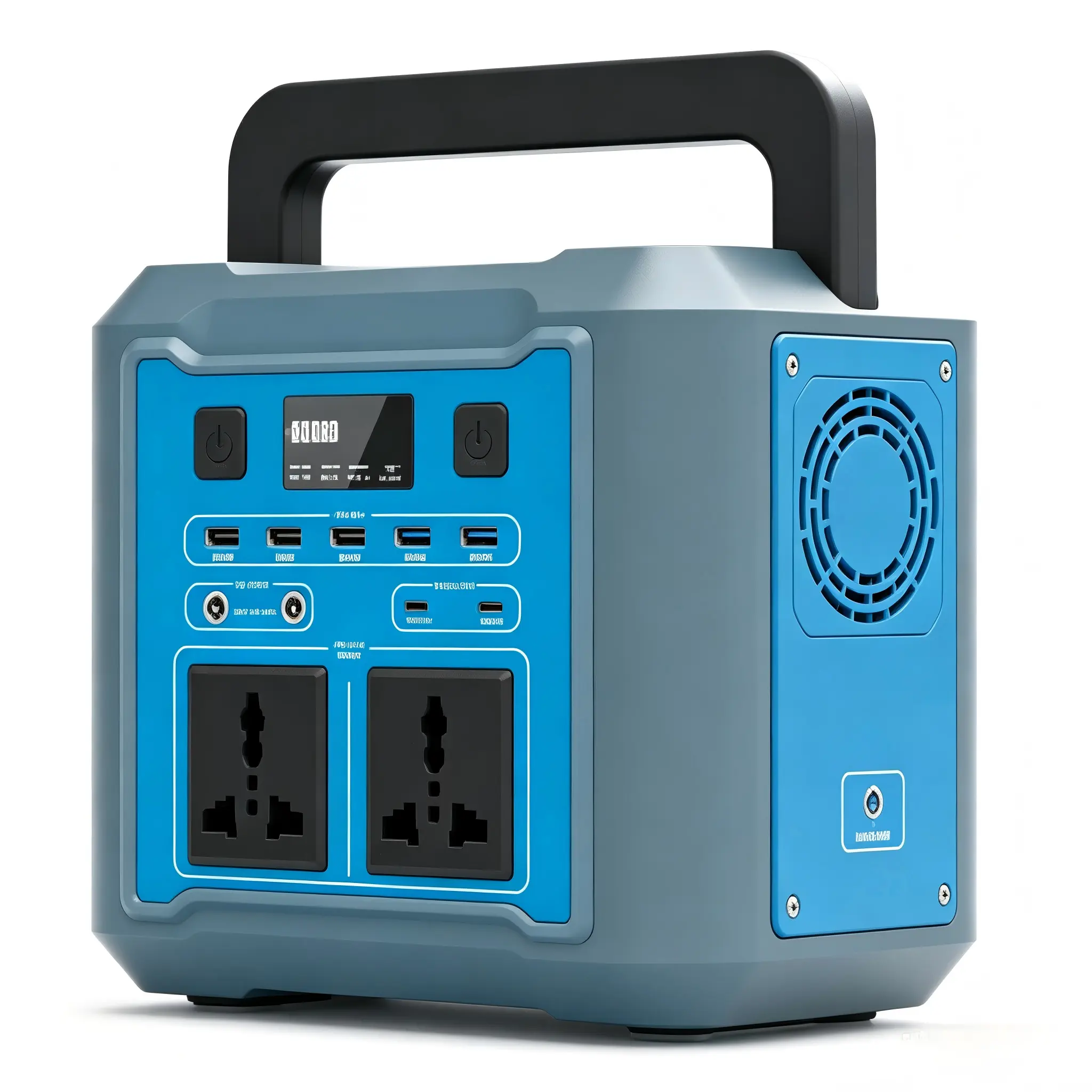
Your battery protection board isn’t a “magic fix” for worn-out cells, but it’s the best tool to maximize remaining range. For 1S-24S lithium battery applications like electric tricycles, golf carts, and industrial equipment, regular BMS calibration and balancing can extend usable battery life by years.
By understanding that range loss is a mix of irreversible cell degradation and fixable BMS issues, you can take simple steps to keep your device running farther for longer. Remember: a well-maintained BMS isn’t just a protector—it’s a range saver.