

Bms Knowledge






0102030405
PCB vs PCBA vs BMS: Key Differences, Uses, Pros & Cons
2026-01-04
In the field of electronic products—especially in battery-powered devices like electric vehicles (EVs), energy storage systems (ESS), and power tools—three terms are frequently mentioned but often confused: PCB, pcba, and BMS. While they are closely related (a BMS cannot exist without PCBs/PCBs), they represent entirely different levels of electronic components and systems.
To put it simply: A PCB is the "base plate" of electronic circuits; a PCBA is the "assembled functional board" built on the PCB; and a BMS is a "specialized management system" that uses PCBA as its core to control batteries. Below, we break down their definitions, uses, application scopes, advantages, and disadvantages in detail.
1. What Is a PCB? (Printed Circuit Board)
Definition
A PCB (Printed Circuit Board) is a rigid or flexible board made of insulating materials (such as FR-4, aluminum substrate) with conductive copper traces printed on its surface. Its core function is to provide a physical support and electrical connection path for electronic components (resistors, capacitors, chips, etc.). It is the "skeleton" of all electronic devices.
Uses
As the basic carrier of electronic circuits, PCBs are used to fix and connect various electronic components, ensuring the orderly transmission of electrical signals between components. Without a PCB, electronic components would be scattered and unable to form a functional circuit.
Application Scope
PCBs are ubiquitous in almost all electronic products, including:
- Consumer electronics (mobile phones, computers, TVs, headphones)
- Industrial equipment (controllers, sensors, automation devices)
- Automotive electronics (on-board computers, infotainment systems)
- Battery-related products (BMS, chargers, power banks)
- Medical devices (monitors, diagnostic equipment)
Pros & Cons
Advantages:
- Customizable: Can be designed into different sizes, shapes, and layer structures (single-layer, double-layer, multi-layer) according to product needs.
- Stable performance: Fixed component positions and standardized copper traces reduce signal interference and improve circuit reliability.
- Cost-effective for mass production: After the initial design is completed, mass production can significantly reduce unit costs.
- Compact structure: Integrates scattered components into one board, saving product internal space.
Disadvantages:
- No independent functionality: A bare PCB (without components) cannot realize any electronic function; it needs to be assembled with components to work.
- Design threshold: Custom PCB design requires professional electronic circuit knowledge and software operation skills.
- Long initial cycle: The design, proofing, and testing of new PCBs take a certain amount of time, which is not suitable for rapid prototyping of simple products.

2. What Is a PCBA? (Printed Circuit Board Assembly)
Definition
PCBA (Printed Circuit Board Assembly) refers to the finished product obtained by soldering electronic components (resistors, capacitors, integrated circuits, connectors, etc.) onto the PCB through processes such as SMT (Surface Mount Technology) or through-hole soldering. Simply put, PCBA = PCB + Component Assembly. It is a "functional electronic module" that can independently complete specific electrical tasks.
Uses
PCBA is the core functional unit of electronic products, responsible for implementing specific electrical functions, such as:
- Signal processing (amplification, filtering, conversion)
- Power management (voltage regulation, current control)
- Data transmission (Bluetooth, Wi-Fi, RS485 communication)
- Logic control (execution of preset programs)
Application Scope
PCBA is used in all electronic products that require functional electronic modules, and its application scope is basically the same as that of PCB, but it is more targeted at finished or semi-finished products. Typical scenarios include:
- Battery chargers (PCBA for voltage conversion and charging control)
- Smart home devices (PCBA for sensor data collection and remote control)
- Industrial controllers (PCBA for equipment operation control)
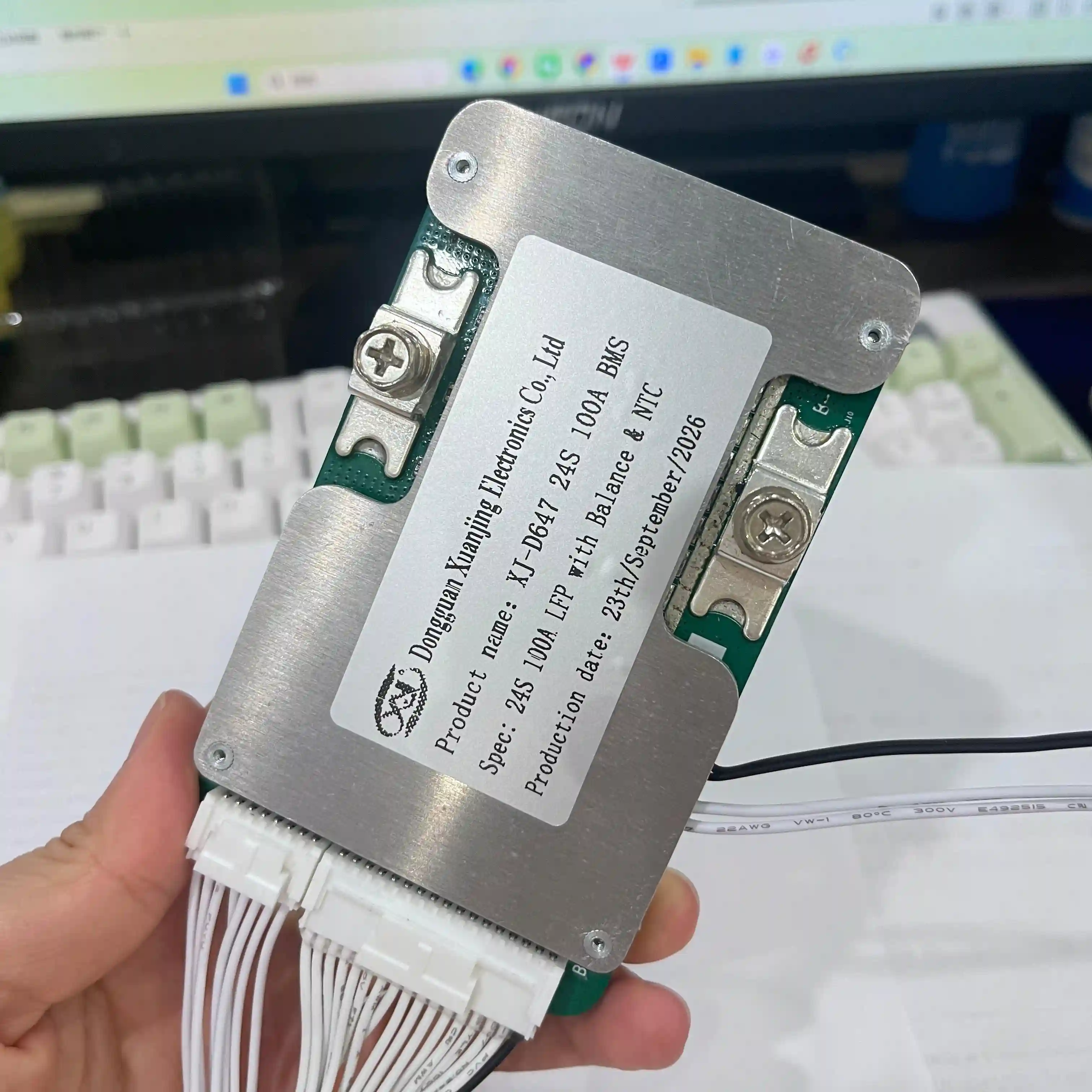
- BMS core boards (PCBA integrated with battery management chips and communication modules)
- Automotive on-board modules (PCBA for engine control, air conditioning adjustment)
Pros & Cons
Advantages:
- Ready-to-use: It is a finished functional module that can be directly installed into products, reducing the production difficulty of downstream manufacturers.
- High reliability: Professional assembly processes (such as SMT) ensure the stability of component soldering and signal transmission.
- Scalable: Different functions can be realized by changing the type and layout of components on the same PCB, adapting to different product needs.
- Easy to maintain: Standardized PCBA design makes it easy to locate and replace faulty modules.
Disadvantages:
- Higher cost than bare PCB: The cost includes PCB materials, components, and assembly fees.
- Longer lead time: Component procurement and assembly processes increase the production cycle compared to bare PCBs.
- Poor flexibility after assembly: Once components are soldered, it is difficult to modify the circuit or replace components (high rework cost).

3. What Is a BMS? (Battery Management System)
Definition
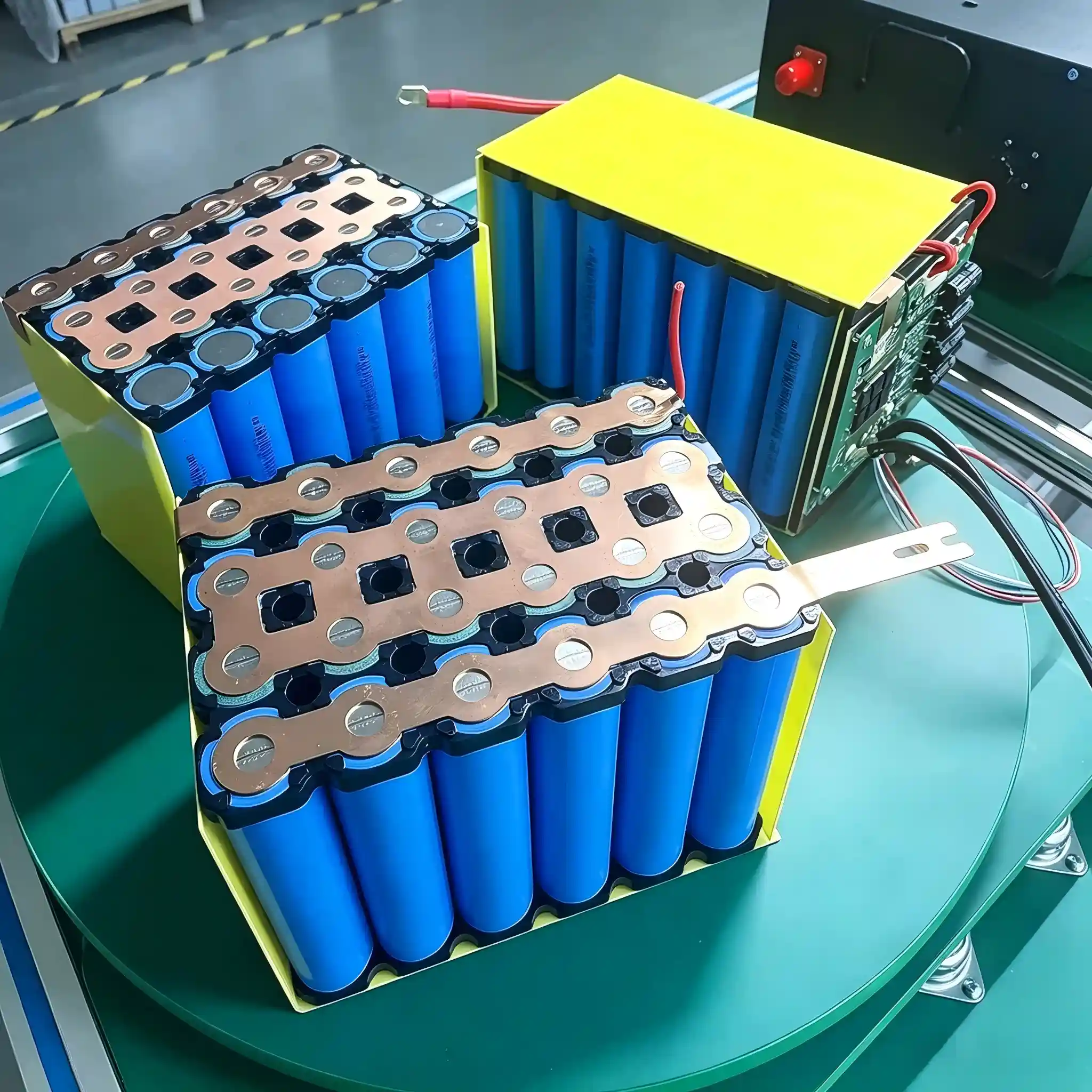
BMS (Battery Management System) is a specialized electronic system designed to monitor, protect, and optimize battery packs (lithium-ion, sodium-ion, lead-acid, etc.). Its core is a customized PCBA integrated with chips (MCU, BMS dedicated chips), sensors, and communication modules. Unlike general PCBs/PCBAs, BMS is a "system-level product" with targeted functions for batteries.
Uses
The core role of BMS is to ensure the safe, efficient, and long-life operation of battery packs, mainly including:
- Safety protection: Prevent overcharging, over-discharging, short circuits, overcurrent, and overheating of the battery pack.
- Battery status monitoring: Real-time collection of battery voltage, current, temperature, and state of charge (SoC).
- Cell balancing: Adjust the voltage of individual cells in the battery pack to avoid cell imbalance (which shortens battery life).
- Performance optimization: Control charging/discharging current to improve battery efficiency and extend cycle life.
- Communication: Transmit battery data to upper-level devices (such as EV controllers, ESS monitors) through Bluetooth, CAN, or RS485.
Application Scope
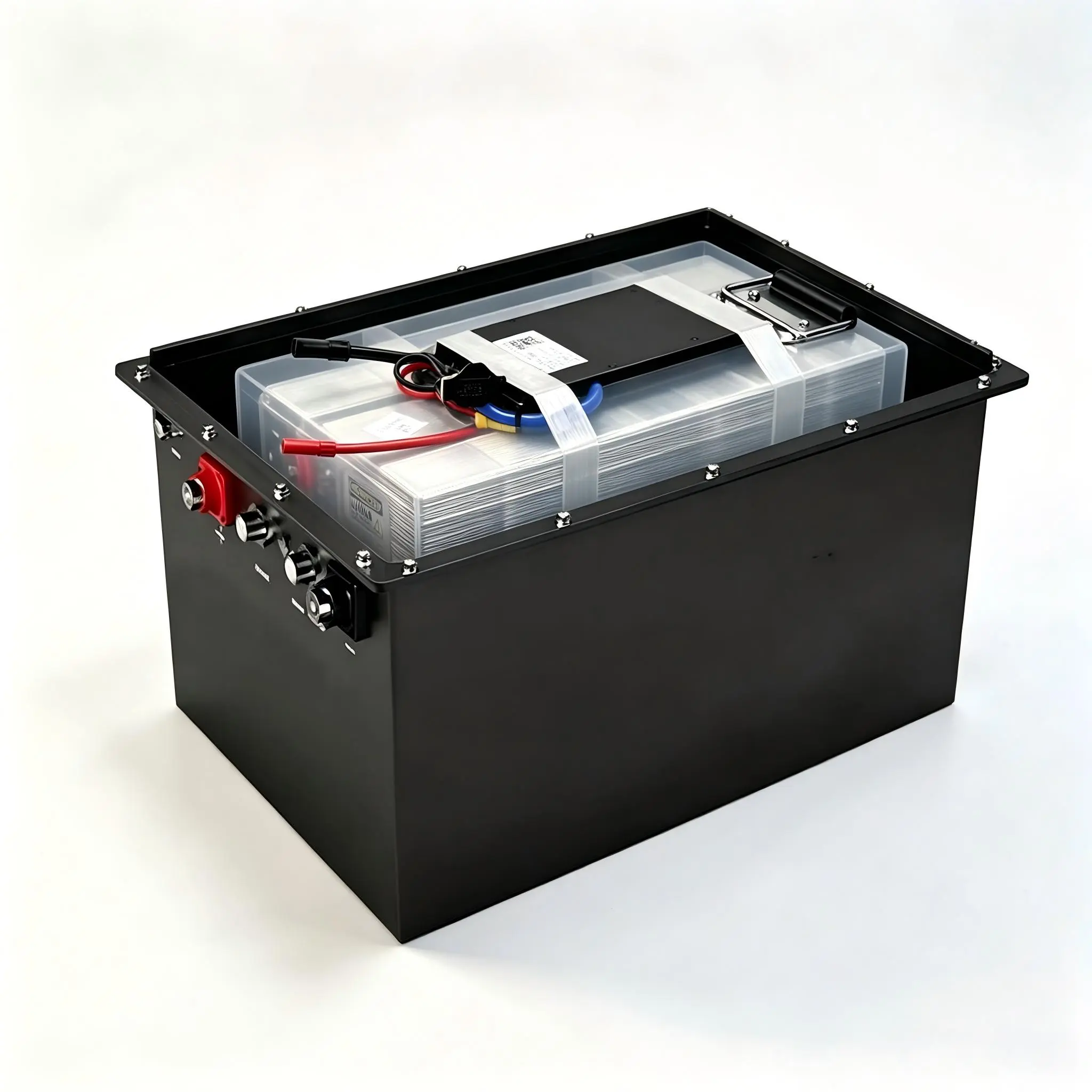
BMS is exclusively used in products with rechargeable battery packs, focusing on scenarios such as:
- Electric mobility (EVs, e-scooters, e-bikes, electric tricycles)
- Energy storage systems (residential ESS, industrial ESS, solar/wind energy storage)
- Portable electronic devices (high-capacity power banks, professional cameras)
- Electric tools (cordless drills, grinders, garden tools)
- Special equipment (medical batteries, marine batteries, aerospace batteries)
Pros & Cons
Advantages:
- Critical safety guarantee: Avoids battery fires, explosions, and other hazards, which is the core component of battery-powered products.
- Extends battery life: Through cell balancing and optimized charging/discharging control, the battery cycle life can be extended by 30-50%.
- Improves user experience: Real-time monitoring of battery status (such as remaining power) helps users use the product with confidence.
- Customizable: Can be tailored to different battery types (LFP/NMC/SIB), voltage levels (4S-24S), and current requirements.
Disadvantages:
- High cost: As a system-level product, it requires specialized chip selection, software programming, and debugging, with higher costs than general PCBs/PCBAs.
- High technical threshold: Designing a reliable BMS requires expertise in battery chemistry, electronic circuits, and software algorithms.
- Strong specificity: A BMS designed for a 10S lithium-ion battery pack cannot be directly used for a 13S sodium-ion battery pack (needs adaptation).
- Dependent on supporting components: Its performance is affected by the quality of sensors, chips, and other components on the PCBA.

Key Differences & Connections: PCB vs PCBA vs BMS
Core Differences
| Dimension | PCB | PCBA | BMS |
|---|---|---|---|
| Nature | Insulating board with copper traces (physical carrier) | Assembled functional electronic module | Specialized system for battery management |
| Function | Support and connect components | Realize specific electrical functions | Protect, monitor, and optimize battery packs |
| Independence | No independent function | Has independent functions | Has independent system functions (targeted at batteries) |
| Application Scope | All electronic products | All electronic products needing functional modules | Only battery-powered products |
Core Connections
1. Hierarchical relationship: PCB is the foundation, PCBA is the functional extension of PCB, and BMS is a high-level application of PCBA (customized for batteries).
2. Dependency: A BMS cannot exist without a PCBA (the core of BMS is a specialized PCBA); a PCBA cannot be formed without a PCB (the carrier of PCBA).
3. Application logic: When manufacturing a BMS, you first design and produce a PCB, then assemble components to form a PCBA, and finally complete the software programming and system debugging of the BMS.
Conclusion
To sum up, PCB, PCBA, and BMS are three concepts at different levels: PCB is the "skeleton" of electronic circuits, PCBA is the "functional muscle" built on the skeleton, and BMS is the "specialized brain" that uses this muscle to manage batteries.
For product manufacturers: If you need a basic circuit carrier, you need a PCB; if you need a ready-to-use functional module, you need a PCBA; if you are developing battery-powered products (such as e-vehicles, ESS), you must equip a professional BMS (whose core is a customized PCBA).
Understanding their differences and connections helps to accurately select components, control production costs, and improve product reliability. If you need customized PCB/PCBA solutions or BMS for battery packs, feel free to contact us for professional support.
Contact us:
📧 Email: info@xj-bms.com
🌐 Website: www.xj-bms.com